Skip to content

Make room to sell with Aryaf.

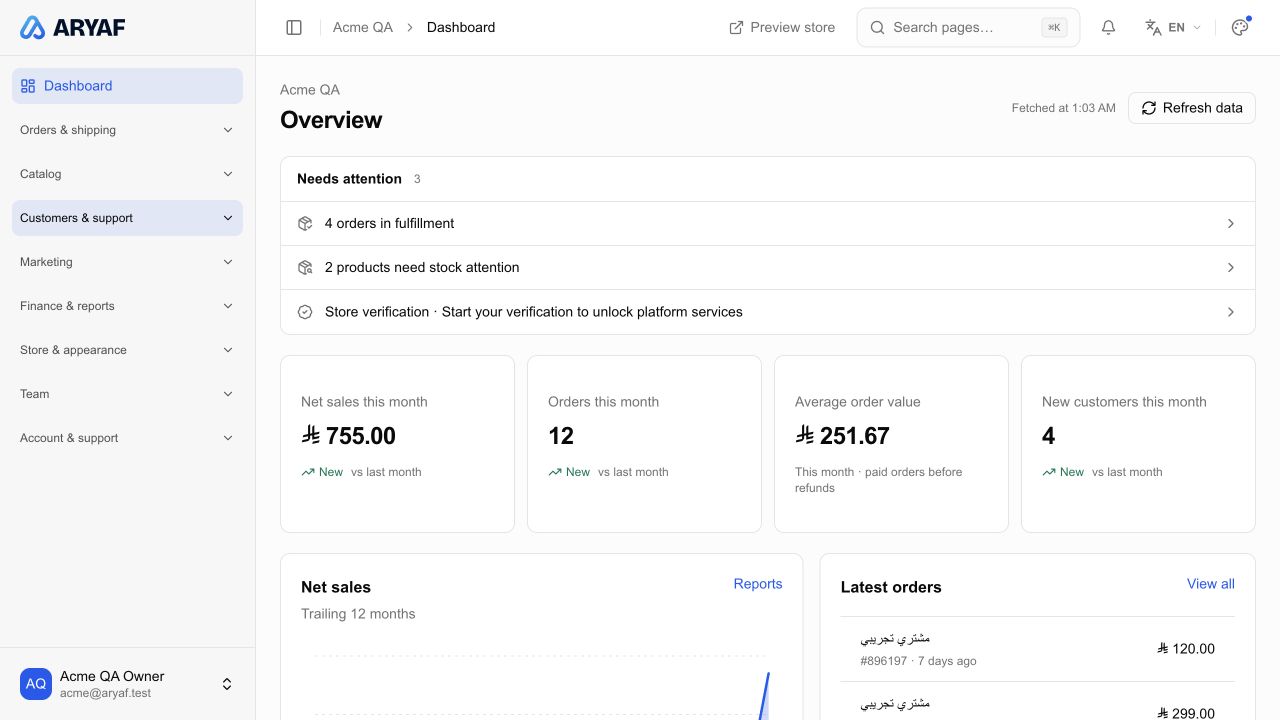
Give your business room to grow. Build your store, organise products and orders, and bring marketing, customers and reports into one dashboard. From your first idea to your daily work, Aryaf is with you.

Aryaf merchant dashboard

The new Aryaf is almost here

A fresh start for your ambition. The new Aryaf launches at midnight on Friday, Saudi Arabia time.

Save the date
02
Days
21
Hours
09
Minutes
54
Seconds

From your storefront to your daily work

Your brand. Your storefront.

Make the first visit feel unmistakably yours. Choose a theme, arrange your sections and preview the details before your customers see them.

  • Use the page builder to shape your content and sections around your business. Preview your changes, then publish the version that represents your brand.
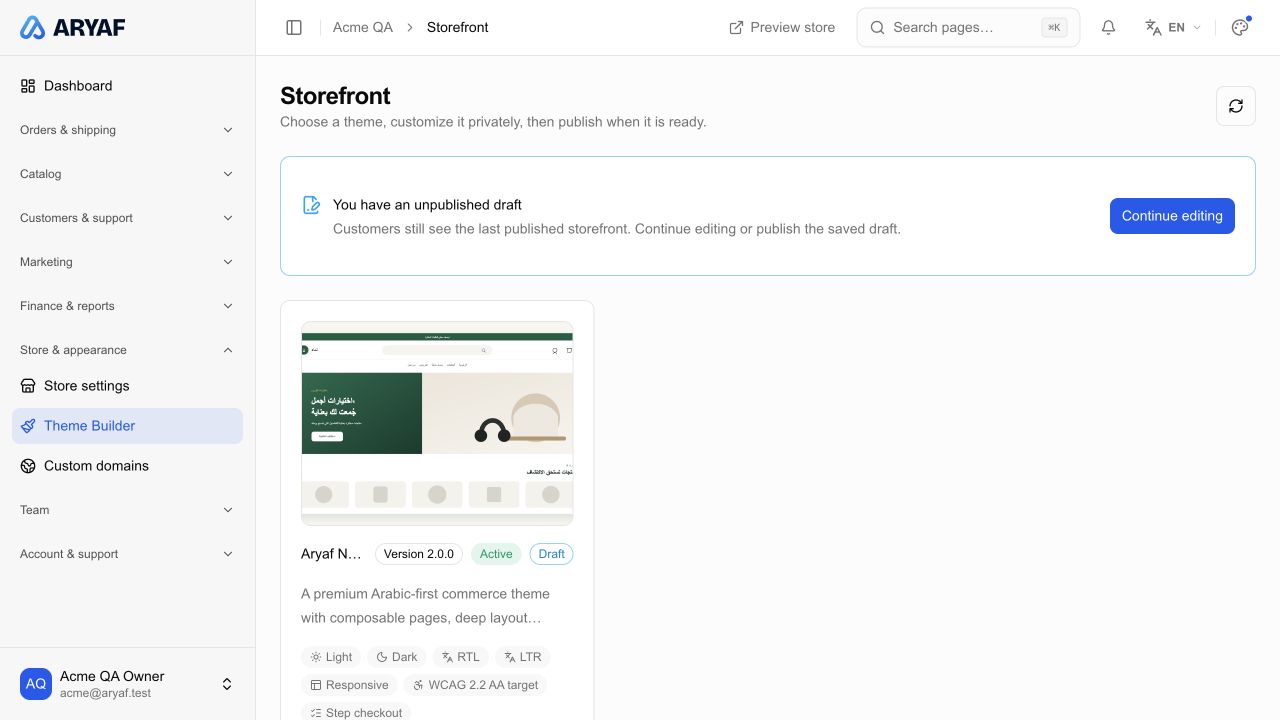
Actual Aryaf storefront management

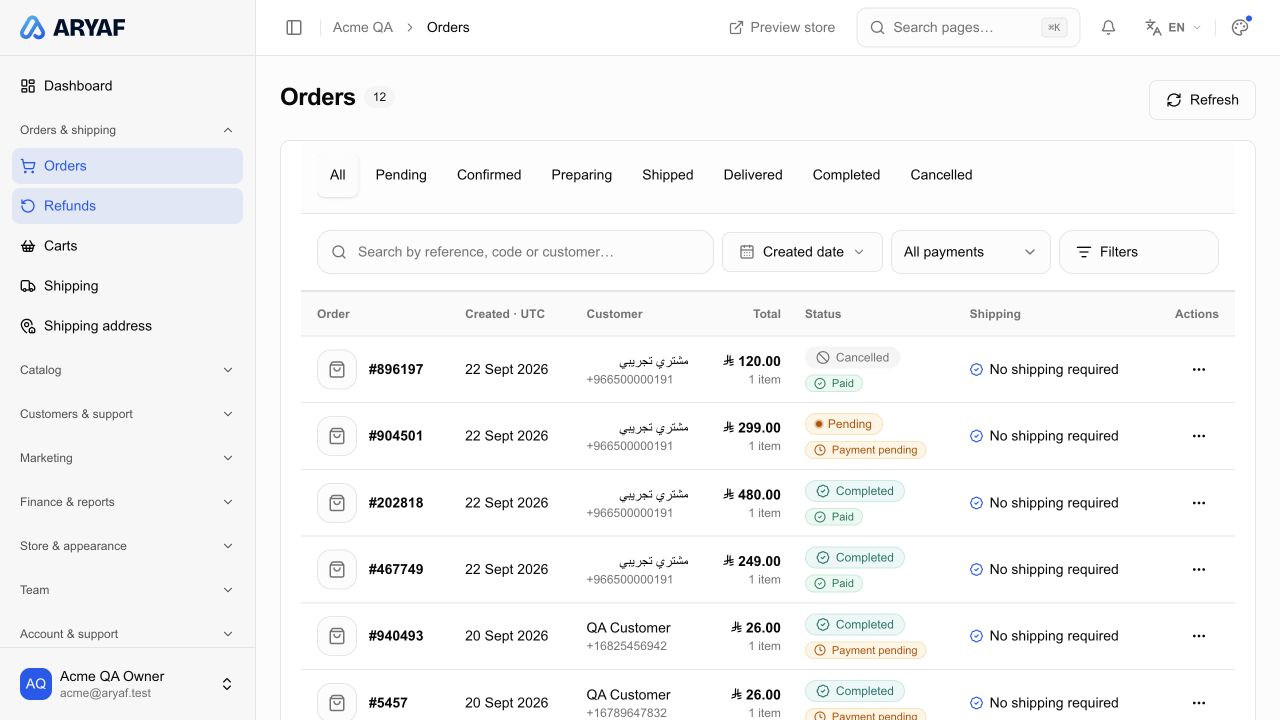
Know what every order needs next

New orders, preparation, shipping or refunds: bring the details together and see which order needs your attention.

  • Find an order by its number or customer details, then filter by date, order status and payment. Review products and shipping details, and follow refunds in their dedicated workspace.
Actual merchant orders screen

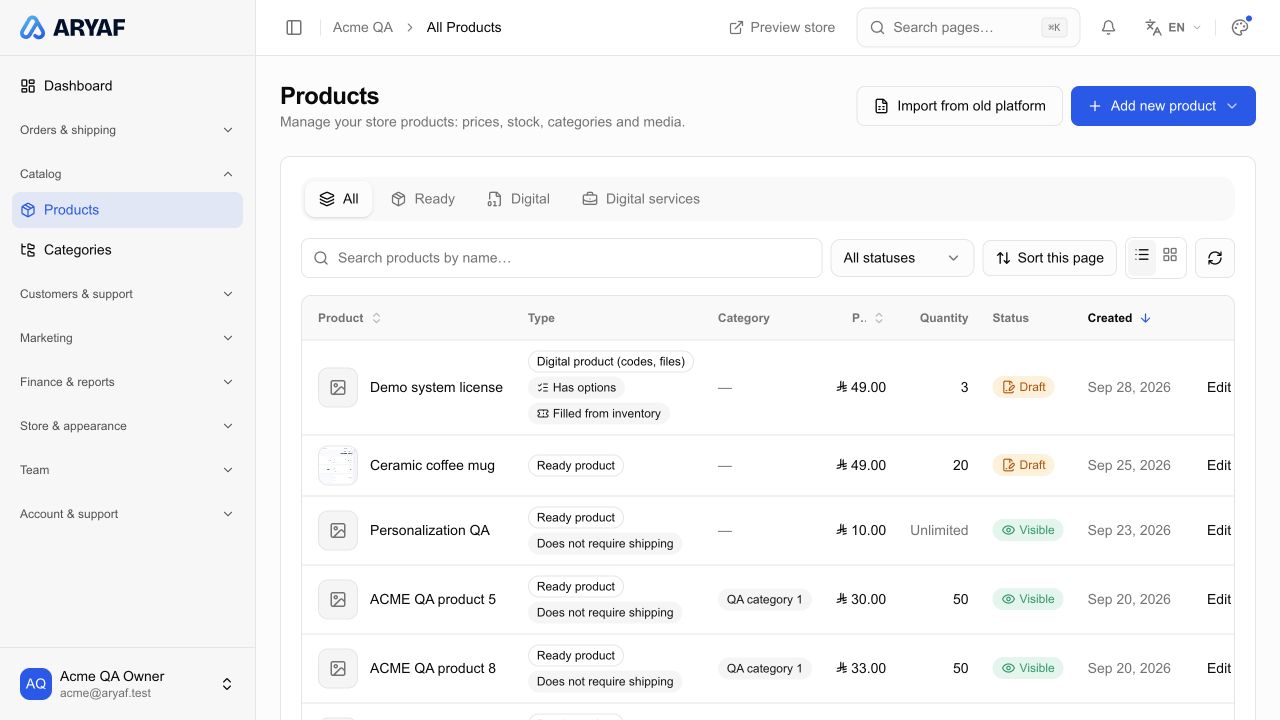
A catalog that gets the details right

Clear images, useful descriptions and easy-to-understand options. Organise prices, categories and stock, and choose what customers see.

  • Manage physical products, digital products and services in your catalog. Add images, options and custom fields, organise categories, and track stock and visibility.
Actual Aryaf product catalog

Find the right start for your idea

For stores and growing brands

From your first product to a varied catalog, stay close to your business with organised products, clear orders and customers you know.

Build a storefront that reflects your brand and manage prices, stock and options. Follow orders and use offers, reports and team roles to organise daily work.

Product management

A clear start, step by step

  1. 1

    Start with your mobile number

    Verify your number, then set up a new business or review and choose to import your previous Aryaf store.

    Import begins after you review the available store and give your consent. If no linked store is found, continue with a new business.

  2. 2

    Make your store your own

    Add products and business details, then shape your storefront. Review prices, content and settings before welcoming customers.

    Choose your business category and complete store details. Review products, images and options, then preview the storefront before publishing.

  3. 3

    Stay on top of your business

    Follow orders and customers, prepare offers and review reports. Keep your daily tools together in one dashboard.

    Give your team appropriate permissions and keep improving your catalog and customer experience using what you learn from your store.

A few answers before you begin

What can I manage with Aryaf?

Aryaf brings products, orders, customers and storefront design together with offers, coupons, affiliates, reports and team management. Available tools depend on your business type, permissions and service settings.

How do I start my store?

Enter your mobile number, complete verification and follow the business setup steps. Choose your store name and category, complete its details, then prepare products, storefront and settings in the dashboard.

Can I use Aryaf in Arabic and English?

Yes. The merchant dashboard supports Arabic and English, and you can switch the interface language. Translatable content fields let you provide product details and other supported content in both languages.

Does Aryaf support digital products and services?

Yes. Set up digital products with files or codes, or list digital services with descriptions and custom fields. Each type has its own setup and fulfilment requirements. Digital delivery materials are available to eligible paid orders.

I already have a store on the previous Aryaf. What should I do?

Register with the mobile number linked to your previous store. After verification, if a linked store is found, review it and consent to importing the available data. Check products, prices and settings after import before relying on them.

Do I need to wait for all products to finish importing?

No. Products continue importing in the background. Once your workspace is ready, you can open the dashboard, follow import progress and review the data that has arrived.

Ready to build your business with Aryaf?

Create your account, then set up your business step by step.

Create your account